
Power Desk · Guided tour
The Objects page
Every object in your game on one page, with where it is placed. Take a short tour of the screen.
Step 1 of 11
Every object in your game
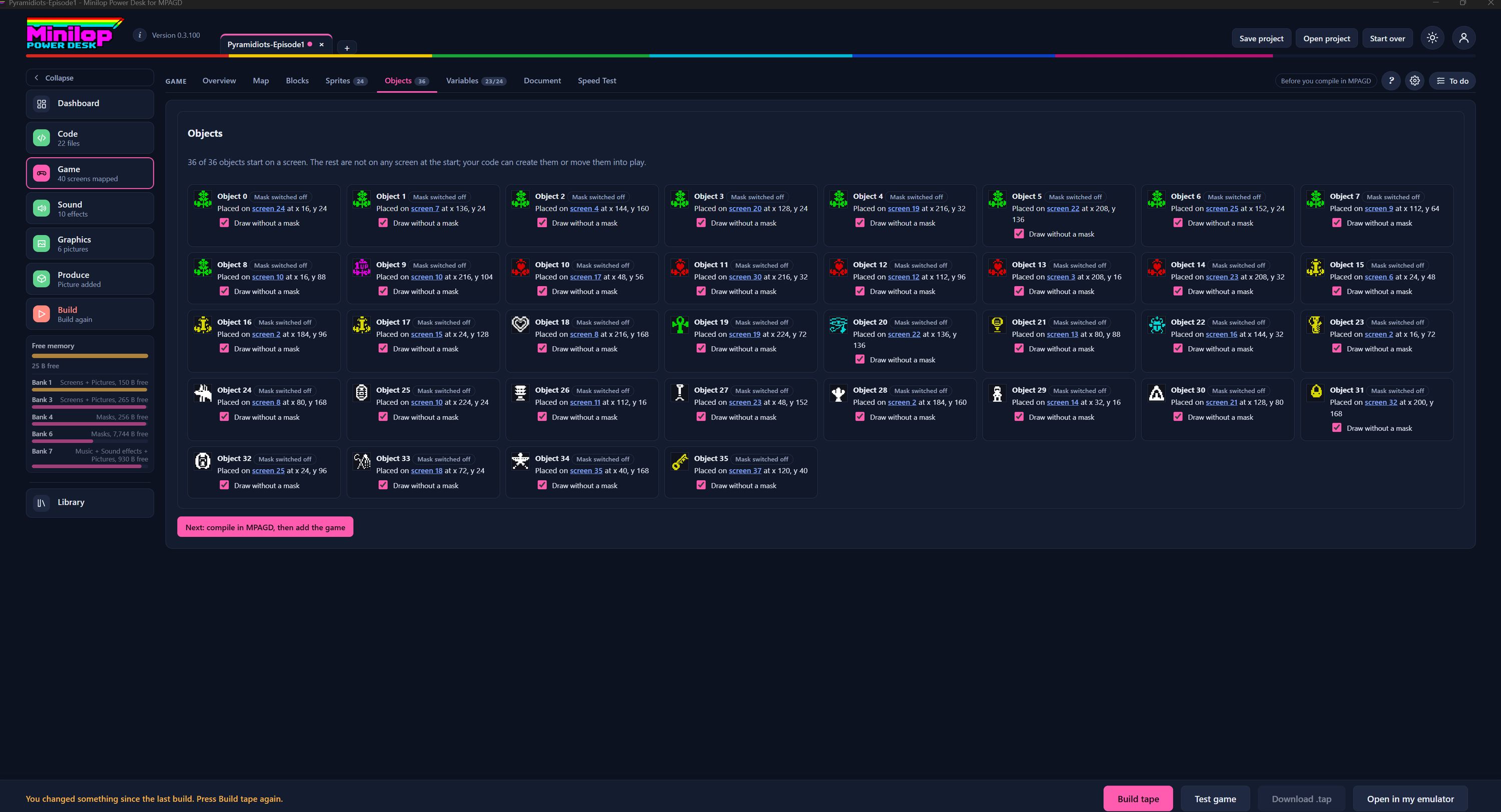
The Objects page lists every object in your project and says where each one is placed. Use Next, or the numbers, to walk round the screen.
The Game tabs
Objects is one of the Game tabs. The number beside it counts the objects in your game, 36 here.
How many start on a screen
The line under the heading says how many objects start on a screen, 36 of 36 in this game. Any that are not on a screen at the start can be created or moved into play by your code.
One card for each object
Each object has its own card with its picture, its number and where it sits. The cards run in rows across the page in number order.
Where it is placed
The line under the name gives the screen, and the x and y position on it, for example screen 24 at x 16, y 24. The screen number is a link, so you can jump straight to it.
Mask switched off
A small label by each name tells you the mask setting for that object. Here every object shows Mask switched off.
Draw without a mask
A tick box on each card lets you draw that object without a mask. Objects are small pictures, so skipping the mask can save memory.
The whole set at a glance
You can scan the grid to see the keys, gems, hearts and other pickups in your game, and check that each one is where you meant it to be.
Keep an eye on memory
The Free memory gauge in the side list shows the bytes free in main memory and in each 128K bank, so you can see the cost of your choices.
What to do next
The pink button reads Next: compile in MPAGD, then add the game. It points you to the next stage.
Then build the tape
When your objects are right, build the tape and test your game in the built-in emulator.