
Power Desk · Guided tour
Merge game files
Pick two game files and take parts from one into the other. Take a short tour of the page.
Step 1 of 9
Take parts from another game
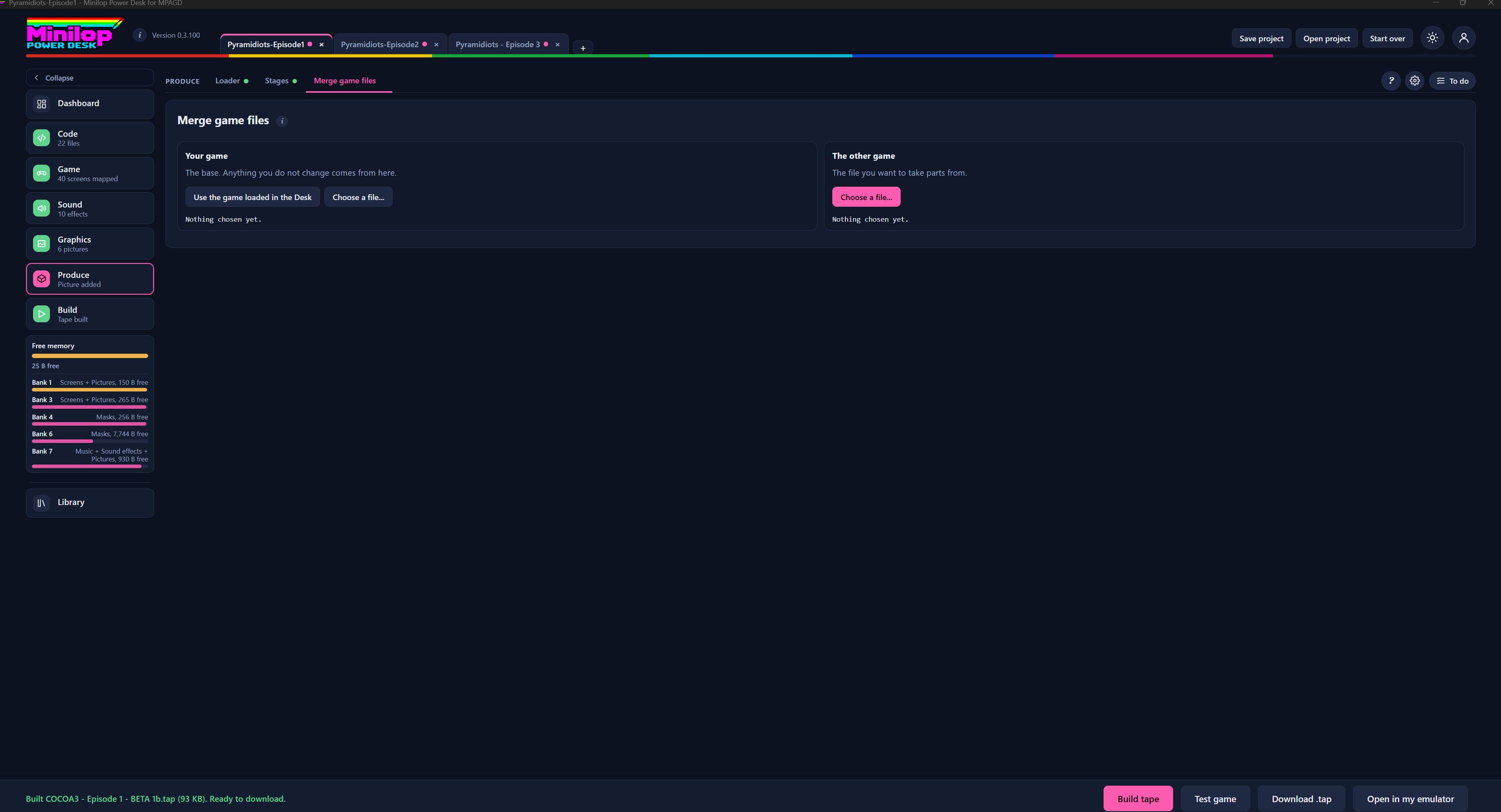
Merge game files lets you pull parts of one game file into another. Your game is the base, and the other game is where you take things from. Use Next, or the numbers, to look around the page.
Three tabs in Produce
Produce has Loader, Stages and Merge game files. This tour is about Merge game files.
Games already open
Every project you have open has its own tab here at the top, so a second game is easy to bring in.
Your game
This is the base. Anything you do not change comes from here.
Choose your game
Use the game loaded in the Desk takes the project you are working on. Choose a file picks a game file from your computer instead.
The other game
This is the file you want to take parts from.
Choose the other file
Choose a file opens a file picker for the second game.
Check what you chose
Under each set of buttons a line says what is loaded. Until you choose, it says Nothing chosen yet.
Then build the tape
When your game is how you want it, build the tape and test it in the built-in emulator.