
Another request from the MPAGD Facebook group a tutorial that covers "the old faithful dripping water / acid that kills on contact?"
There's a number of approaches you can take to achieve an acid drop, I quite like this one, it's a little expensive bytewise since it uses quite a few sprite frames, but you could adapt it with less frames and then alter the timings. But I think this looks pretty nice:
First we need to create a sprite, the sprite animation falls into three parts:
1) The drip grows on the ceiling
2) The drip drops to the ground
3) The drop splashes on the floor
Here's my sprite:
Sequence 1 - the drip grows on the ceiling:
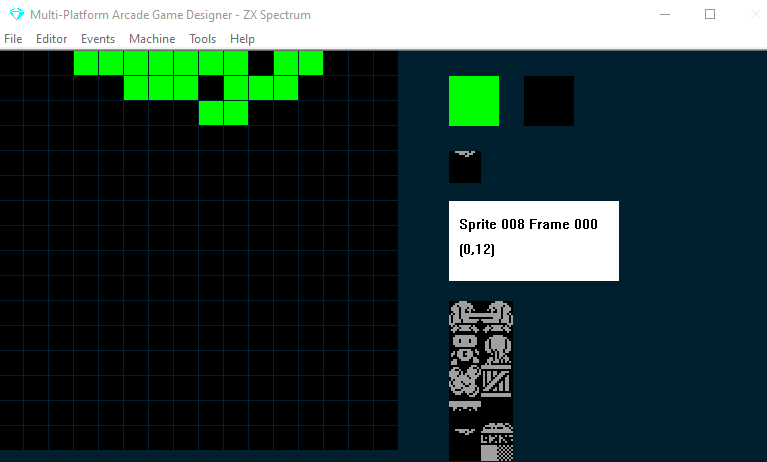
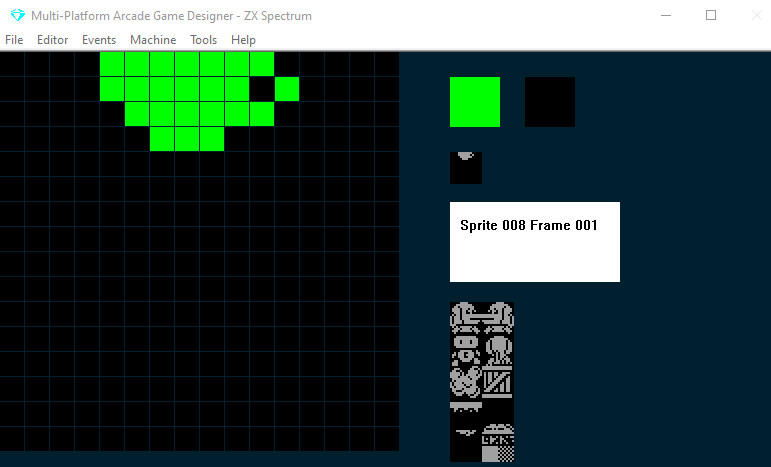
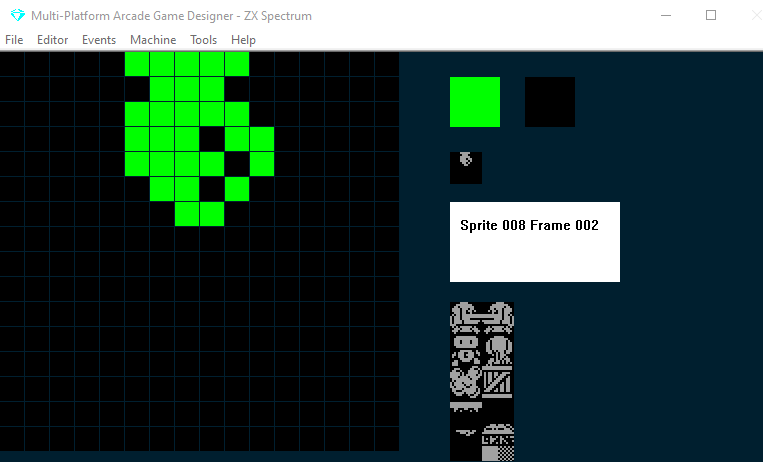
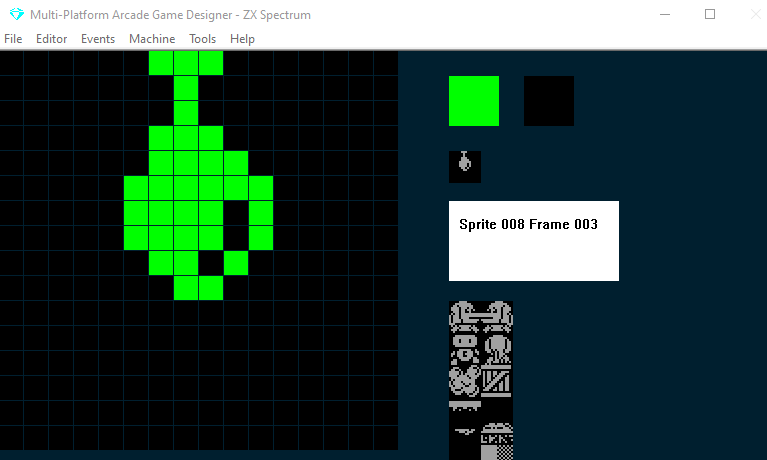
Sequence 2 - The drip drops to the ground
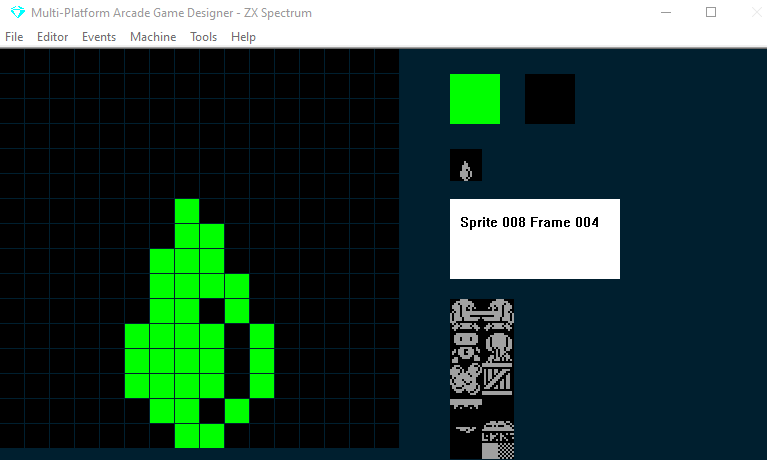
Sequence 3 - The drop splashes on the floor
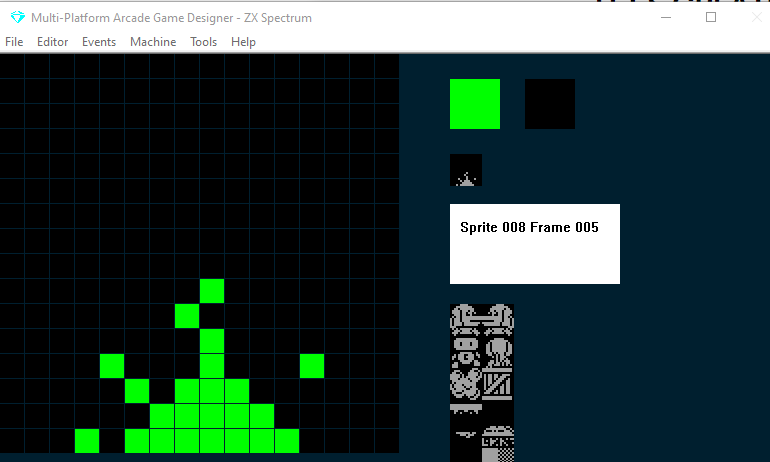
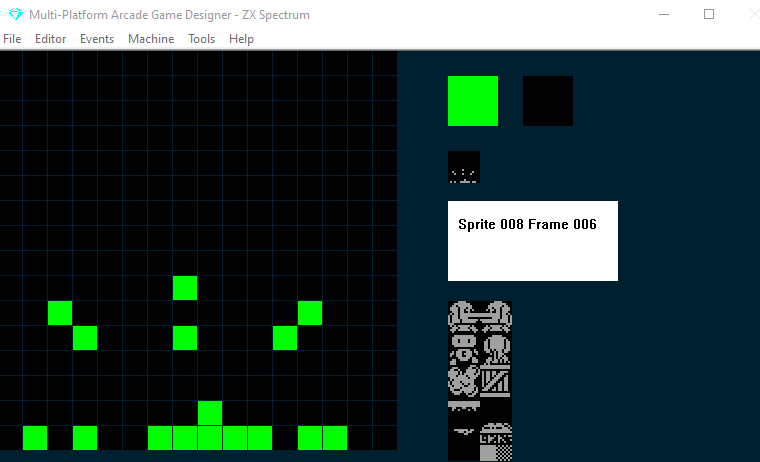
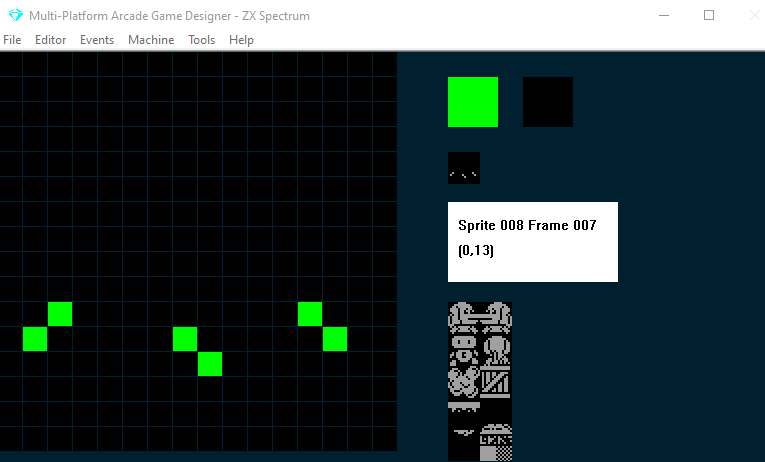
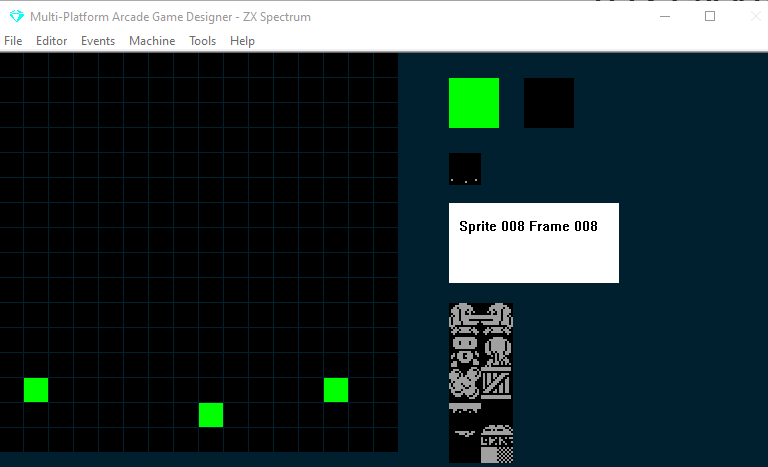
So, were just going to use a single, multi-frame sprite and then write some code that will handle what should happen during each sequence. We won't use the ANIMATE command, instead we will use a timer variable and increment the frame number in the code at the right times.
Then, after a drop has hit the ground and the splash sequence has completed, we will reset the Y value of the drop, reset the frame to zero...and start all over again.
We'll use the DIRECTION sprite variable to control the sequences
We'll use SETTINGA as a timer variable
and we'll store the initial y value of the Sprite in SETTINGB so that we can restart after the acid drop splashes on the floor and so a new drop grows on the ceiling
Here's the code to (acid) drop into your sprite event:
;acid drop

SPRITEINK 68                ; bright green

IF DIRECTION = 0            ; INITIALISE THE DRIP
   LET SETTINGB = Y         ; store initial y value in SETTINGB
   LET DIRECTION = 1        ; prevent this running again
ENDIF

IF DIRECTION = 1            ; GROW THE DRIP
   ADD 1 TO SETTINGA        ; we use SA as the timer
   IF SETTINGA = 10         ; after 2/5ths of a second
      ADD 1 TO FRAME        ; increment the frame
      LET SETTINGA = 0      ; reset the timer
      IF FRAME = 4          ; have we reached frame 4?
         LET DIRECTION = 2  ; if so goto the drop routine
      ENDIF
   ENDIF
ENDIF


IF DIRECTION = 2            ; DROP ACID!
   IF CANGODOWN             ; if we haven't hit the ground
      FALL                  ; drop down
   ELSE                     ; if we've hit the ground
      LET DIRECTION = 3     ; start the HIT THE GROUND routine
      ADD 1 TO FRAME        ; but increment the frame first
   ENDIF
ENDIF

IF DIRECTION = 3            ; HIT THE GROUND
   ADD 1 TO SETTINGA        ; increment the timer
   IF SETTINGA = 5          ; every 1/5th of a second
      ADD 1 TO FRAME        ; increment the frame
      LET SETTINGA = 0      ; reset the timer
      IF FRAME = 9          ; have we reached the end of the splash animation?
         LET FRAME = 0      ; if so reset to the first frame
	 LET Y = SETTINGB   ; reset the drop
	 LET DIRECTION = 0  ; start the INITALISE DRIP routine
      ENDIF
   ENDIF
ENDIF

IF COLLISION PLAYER         ; if the player touches the acid drop
  KILL
ENDIF
Option: Increase the speed of the drop
If you've read my Deep Dive into the JUMP command in the beginners guide, you'll be aware that we can alter the speed of a jump or fall through the air. This is achieved using the sprite's JUMPSPEED variable. To increase the speed of the fall, simply increase Jumpspeed
For example, you could add this to the DROP ACID! routine....
IF DIRECTION = 2            ; DROP ACID!
   IF CANGODOWN             ; if we haven't hit the ground
      FALL                  ; drop down
      ADD 5 TO JUMPSPEED    ; increase the speed of the fall
   ELSE                     ; if we've hit the ground
      LET DIRECTION = 3     ; start the HIT THE GROUND routine
      ADD 1 TO FRAME        ; but increment the frame first
   ENDIF
ENDIF
OPTION: Create a pattern for the drops
If you want to get even more clever, you could alter the speed with which the drops grow on the ceiling and the speed of the fall by using a couple of variables and READ them in from a DATA statement, this way the drops would work on a pattern rather than always growing and falling at the same speed each time.